01Check
Set up the show machines
On each show machine, grant the macOS access Show Distro needs and confirm the Program, Presenter, and teleprompter displays.
Keep the client’s PowerPoint or Keynote file authoritative, then attach media, cues, confidence views, routing, control, and Main + Backup resilience around it—without rebuilding the presentation.
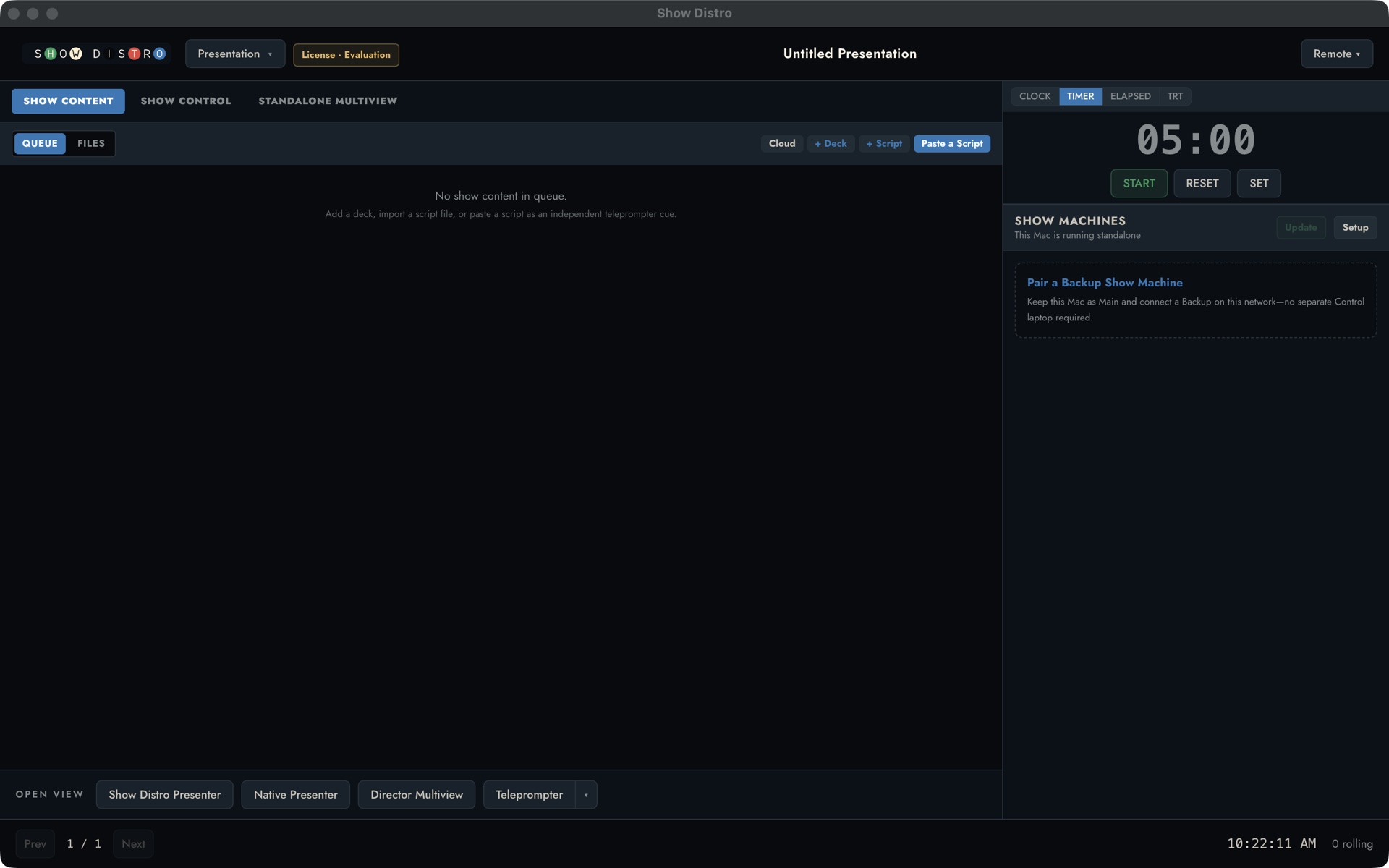
A short tour of the current Run Show pane: the active deck, presenter notes, show sections, media cues, timer, presentation computers, and connected presenter and director views.
Content teams keep their familiar authoring workflow while production adds a non-destructive, revision-aware show layer.
On each show machine, grant the macOS access Show Distro needs and confirm the Program, Presenter, and teleprompter displays.
Add Keynote, PowerPoint, or PDF decks; attach scripts and external videos when needed; then send them to Main and Backup. Progress and ETA stay visible until every destination is ready.
Arrange the tiles, save the layout, and assign it to the right display. A deck or slide can recall a different layout later in the show.
Launch Main and Backup from Control, advance either machine or both, watch the live outputs, and keep the director and presenters in step.
Save a layout for each presenter and recall a different one from a deck or slide when the show changes shape.
Move Presenter View notes and full-screen Teleprompter scripts by click, keyboard, or remote control, with predictable steps and an emergency stop.
Use a click-triggered video inside Keynote or PowerPoint, or bind an external video for Show Distro to play. Show Distro warns the operator, tracks TRT, and can hold the presenter’s forward click until the cue is rolled. Turn the hold on or off for each show.
Send decks, scripts, notes, and presenter layouts to Main, Backup, or another show Mac, then load or launch from Control.
Watch Program, Presenter, and the Light Table; track TRT and video; send a clear message to the presenter.
Place the clock or countdown each presenter needs without forcing everyone into the same layout.
Show Distro is in a founding beta for live-event teams who can test the intended displays, network, presentation apps, teleprompter controls, and fallback before show day.